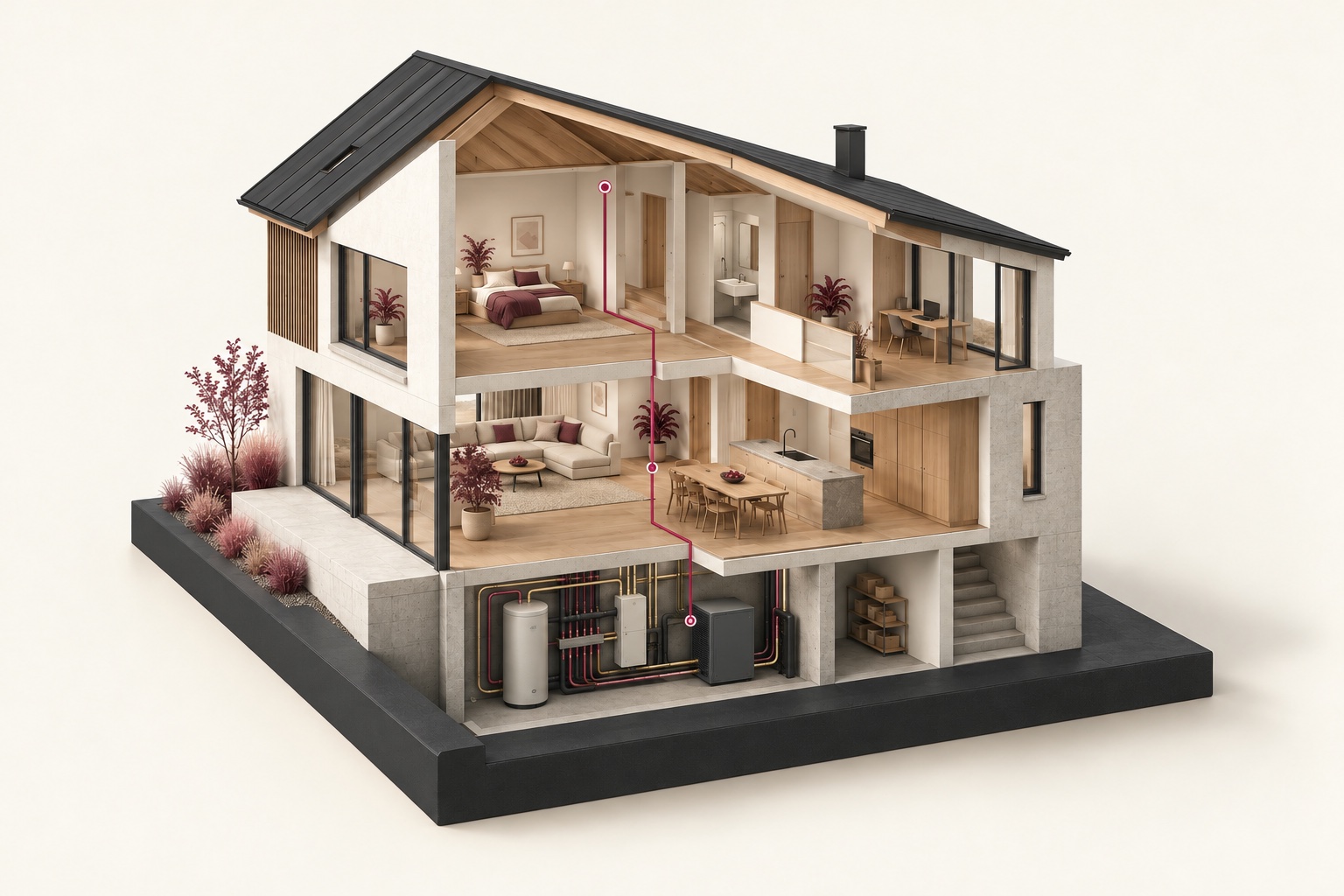
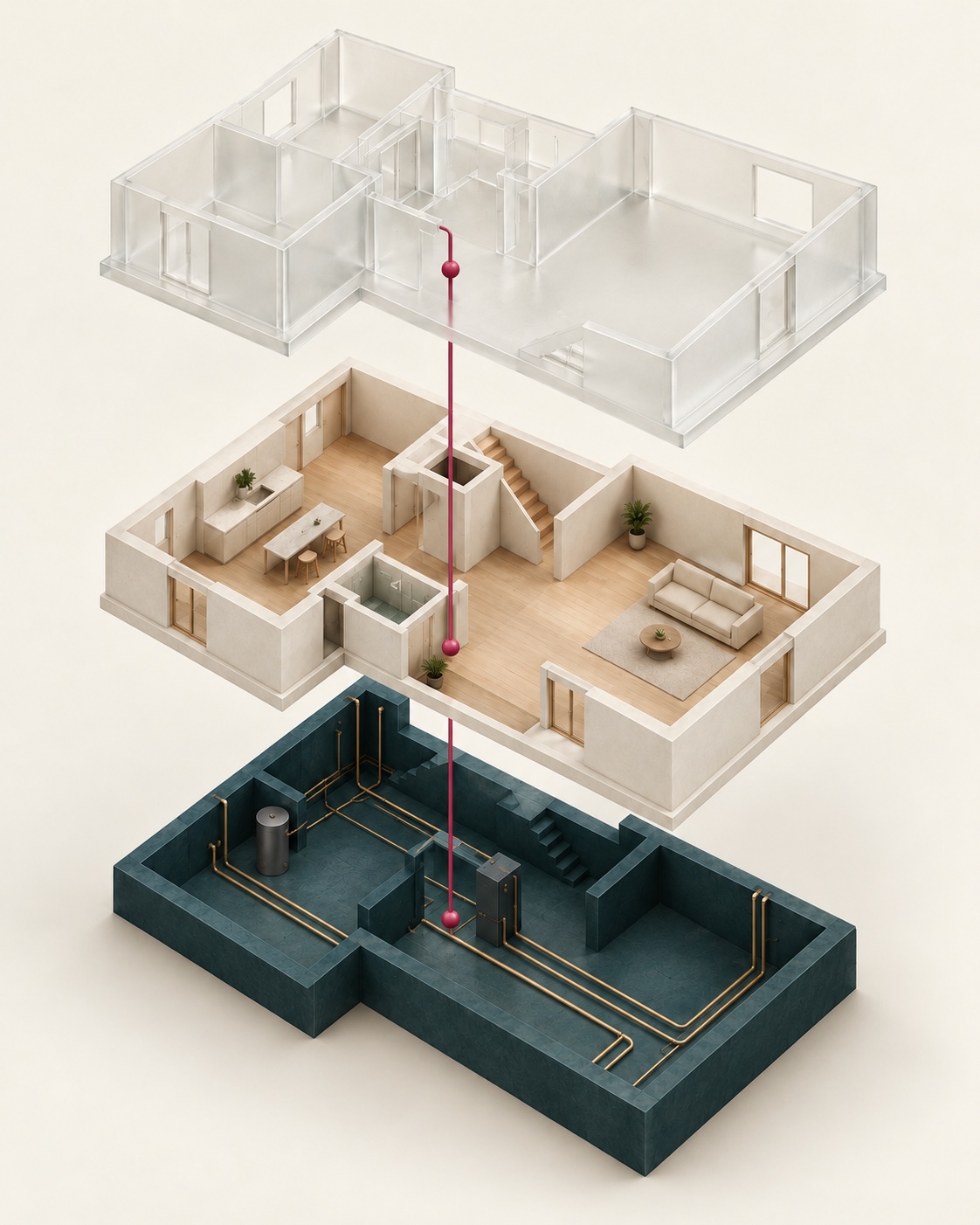
SEETCH combines an app with equipment configured and connected to your building’s systems. The app stores plans, settings and service history. Connected sensors help you see consumption and notice deviations.
We start with the building passport and maintenance. Monitoring and automatic responses follow in later stages.
The home and its systems · concept illustration
Knowledge becomes a basis for action.
A replaced circuit board, excess heating consumption, a failed pump and planned maintenance. See what information each situation needs and how to use it.
All records, dates and readings in these stories are fictional. The first step is a building passport and history; monitoring and response follow as equipment is connected and checked.
The repair history stays with the owner.
First stage · building passport and history
The control board in air conditioner AC-24 was replaced. The building passport keeps the model, contractor and warranty documents together.
AC-24 · equipment recordRepair and documents saved
Which control board is in AC-24 now?
CTRL-07B, fitted on 28 May 2026. The job, contractor and warranty documents are linked.
Model
AC-24
Control board
CTRL-07A → CTRL-07B
Work carried out by
Contractor A · 28 May 2026
Warranty
Equipment until 30.06.2027; part until 28.05.2027; labour until 28.05.2027.
Building passport
Unit and available documents recorded; gaps marked.
Repair
Board replaced under the unit warranty; evidence saved.
Service planned
Checks and cleaning under the equipment plan.
If earlier documents are missing, the passport marks the gaps; new work adds to the history.
For the owner
When you change contractors, the repair history and supporting documents stay with you.
Location
Meeting room · wall A
Connections
Power, refrigerant and controls
What stays in the equipment record
The full engineering context
Cable routes inside walls, pipes, ventilation and air conditioning, devices, switches and their locations. Settings and connections show how the systems work together.
The repair and its warranties
In this example, CTRL-07A was replaced with CTRL-07B under the equipment warranty. Contractor A did the work on 28 May 2026. The equipment warranty runs to 30 June 2027; recorded cover for the work and replacement part runs to 28 May 2027, with the supporting documents.
The next service
The plan lists checks, cleaning and replacements required for this unit. Each completed job adds its date, contractor, parts and result to the record.
Starting without an archive
The passport records what is known and marks what is missing. New surveys and jobs add to the history; an unknown past is not invented.
The heating used more electricity than expected.
Further development · connected meters and sensors
The measured total was 29 kWh instead of the expected 20 kWh. The curves show when the gap began; other readings help check the cause.
Heating · expected and measured+9 kWh over the day
00:00–24:00
Outside
−2 °C
Inside
21 °C
Window open
09:00–09:25
Expected in similar conditions20 kWh
Cumulative electricity use, kWh
32241680
00:0008:0016:0024:00
Measured over the same period29 kWh
Cumulative electricity use, kWh
32241680
00:0008:0016:0024:00
10:00 · deviation
ExpectedMeasured
Electricity use by equipment · kWh
Equipment
Expected
Measured
Heat pump
18
26
Fans
2
3
Day total
20
29
Still matching
Expected and measured: 5 kWh each.
Window opened
The contact records it as open until 09:25.
Difference detected
9 kWh measured versus 7 kWh expected: a signal to investigate.
Events happening together do not prove a cause.
Both curves show cumulative electricity use over the same period, with the same scale and comparable conditions.
For the owner
You can see which equipment needs a check and when the extra use began.
Next step
Check the cause of the extra use
Understanding the difference
Measure each component
Separate readings show the heat pump's and fans' shares. The baseline accounts for season, indoor and outdoor temperatures, and operating mode; a cold day is not compared with a warm one.
Add to existing systems
Temperature sensors, electricity and water meters, window and door contacts, and suitable occupancy sensors can complement existing equipment. The building and the question determine which readings are needed.
Connect events
An open window and rising heating demand appear on the same timeline. That helps test a possible cause instead of drawing a conclusion from one reading.
Unused rooms
With suitable controls, temperatures in unused rooms can follow an agreed schedule and occupancy plan. Comfort, building protection and the measured effect guide the settings.
The backup pump lowered the water level.
Further development · checked protective response
Pump 1 received a command but did not run. The checked backup, pump 2, started and lowered the level from 68 to 46 cm.
Groundwater · two pumpsBackup running · pump 1 needs service
Pump 1
Command sent, not running
0 V / 0 W
Pump 2
Running
Backup checked
Minutes after the signal68 → 46 cm
Water level, cm
806040200
0 min1 min2 min3 min
Start threshold · 60 cm
Command to pump 1
Level 62 cm; supply 0 V, power 0 W.
Backup started
Level 68 cm; pump 2 confirmed running.
Level falling
46 cm: pump 2 is removing water. Pump 1 still has a fault.
Alert the responsible person and create a service job for pump 1.
The command is checked against power supply, electricity use and an independent water-level sensor.
Next step
The responsible person receives an alert; the contractor receives a job for pump 1 with the readings and response history.
Pump 1
Not running · service needed
Pump 2
Operation confirmed · level falling
Check operation and respond
Early signs
Unusual readings from the network, an air conditioner or an electrical panel can trigger a preventive inspection. Trends and equipment history accompany the task.
Verify physical operation
An independent level sensor checks whether the pump should start at the configured level. Supply and power readings show whether the command resulted in actual operation. If the expected effect is missing, a fault is flagged.
Verified protection
Where the equipment supports it, the procedure can call for a backup pump and then check its operation and the water level. A verified water shut-off during a leak is another possible protective procedure.
Reach people and arrange service
The planned workflow sends a message or phone alert and opens a service ticket for the agreed contractor. Readings, actions and outcomes become part of the record. This website sends nothing and controls no equipment.
The new contractor gets a ready-to-use job.
First stage · service and handover
AC-24 is due for checks and cleaning on 28 November. The job includes settings, repair history, parts, costs and warranties.
AC-24 · planned serviceJob scheduled for 28 Nov 2026
Service date ·
Clean and check AC-24
Check operation and clean the unit according to its service plan.
The new contractor is assigned when the task is agreed.
Pack for the new contractor
AC-24 · meeting room, wall A. Settings and service instructions are in the passport.
CTRL-07B is installed. Part supplier and price are not yet known.
Repair on 28.05.2026 under the equipment warranty; evidence attached.
Equipment, part and labour warranties. Previous labour cost is not recorded.
The new contractor gets a clear job with its history attached.
After service, the result, parts and costs are added to the equipment record.
For the owner
You can change contractors without gathering the equipment's history all over again.
Handover
Job and document pack
What the contractor receives
Know what is due
The equipment plan lists checks, cleaning and part replacements. A responsible person, date and instructions form a clear task; changes remain traceable.
Know the parts and costs
Part numbers, sources, prices and previous service costs stay with the equipment. Documents show what was paid for and which warranties still apply.
Hand over a clear task
A new contractor receives the need, equipment, settings, repairs and evidence together. This reduces repeated information gathering and helps establish which checks are still required.
Keep the result
After the job, parts, costs, checks, photos and new warranties are added. The next service builds on the updated history.
What makes a home intelligent.
It knows itself.
Equipment, settings, connections and documents form a building passport. Unknown information stays visible.
It observes.
Connected data sources make condition and consumption visible in real time.
It warns.
Higher consumption under the same operating conditions is a reason to check equipment. SEETCH helps you notice the deviation using connected readings.
It responds.
In a configured scenario, SEETCH alerts the responsible person to a problem. Verified automation can shut off the water when a leak occurs.
It supports maintenance.
The technician’s task includes the service instructions, due date and repair history. The result and supporting documents are saved after completion.
Your building. Your knowledge.
When changing contractors, give the new technician the plans, settings and repair history. SEETCH keeps them in the building passport with the documents.
Equipment and locations
Settings and documents
Tasks and maintenance records
Assigned specialists carry out the actual work. The knowledge stays with the property.
Cooling and consumption control in a restaurant.
Electricity use shows where to check for unnecessary load; temperature shows when stored food needs a check. The responsible person sees the event, acts and records the result in the log.
These are fictional situations. Each restaurant defines its own limits and actions.
The refrigerator uses more electricity. Its temperature is rising.
Consumption for 09:00–10:00 is above expectation. At 10:30 the sensor reads +5.5 °C, at 11:00 +7 °C.
Electricity use rises
For 09:00–10:00 the meter records 1.1 kWh instead of 0.8. Cooling needs checking.
Temperature above +5 °C
At 10:30 the sensor reads +5.5 °C; the responsible person receives an alert.
On-site check
The responsible person checks and moves the products under the agreed procedure; the action is logged below.
The log contains the sensor reading, alert time, staff member’s action and backup-storage temperature. The responsible person assesses the products.
+5 °C is the setting in this example. Limits depend on the products and the restaurant’s procedures.
Log entry ·11:00
Fridge sensor
+7 °C
Responsible person’s action
Checked the products and moved them to backup storage under the agreed procedure.
11:15 · Check after transfer
Backup storage: +4 °C. The fridge is still faulty; a service request is recorded.
The cold-room door was left open after delivery.
The contact records the opening. A reminder follows after 10 minutes; at 09:12 a staff member closes the door.
By 09:30 the temperature fell from 5.6 to 4.8 °C. The closing time and readings are recorded.
Open for 12 minClosed
09:00 · opened09:12 · closed09:30 · checked
Cold-room temperature
At opening
4 °C
Before closing
5.6 °C
After closing
4.8 °C
The reminder helps limit unnecessary cooling load; the meter is used to check consumption.
The kitchen is closed. The extractor is still at full power.
The shift ended at 22:00. The load was checked and the extractor switched to the agreed out-of-hours setting.
After adjustment, the meter recorded 0.6 kWh instead of 1.2per hour. The example shows how to measure the effect, without promising a percentage saving.
Electrical power
Before adjustment1.2 kW
Agreed setting0.6 kW
One comparable hour outside the shift
Before adjustment1.2 kWh
Agreed setting0.6 kWh
Minimum ventilation and switching conditions are checked for this kitchen in advance.
HACCP remains part of the business's food-safety procedures: limits, measurement intervals, actions and checks are defined for that operation. SEETCH is intended to support temperature logs and evidence; the business retains responsibility for food safety.
Planned scenarios require suitable data sources and verified configuration. Energy, maintenance and failure costs are assessed for each property; the effect is measured on site.
Survey the property, build its passport and history, connect maintenance plans to tasks, responsibilities and deadlines.
Further development
Connect data sources, verify monitoring and responses, analyse electricity, water and heat use together.
Pricing, estimates and invoices, and the actual benefits are evaluated in the pilot.
Questions before you start
What does a home knowing itself mean?
SEETCH links equipment information with settings, documents and history. Missing and outdated information is clearly marked.
Can SEETCH anticipate failures?
The development goal is to recognise early signs from connected data and alert the right person in time. An alert does not replace investigating the cause or guarantee detection of every failure.
How does the home respond?
An alert is linked to a responsible person and next steps. Automatic protection, such as shutting off a water supply, requires suitable equipment with verified operation.
Do I need sensors straight away?
The first stage covers the building passport, history and maintenance. Monitoring follows when the required data sources are available.